It knows the device
FeatureFrame reads the screenshot's size and picks the iPhone or iPad it came from. Pick another, and it remembers for next time.
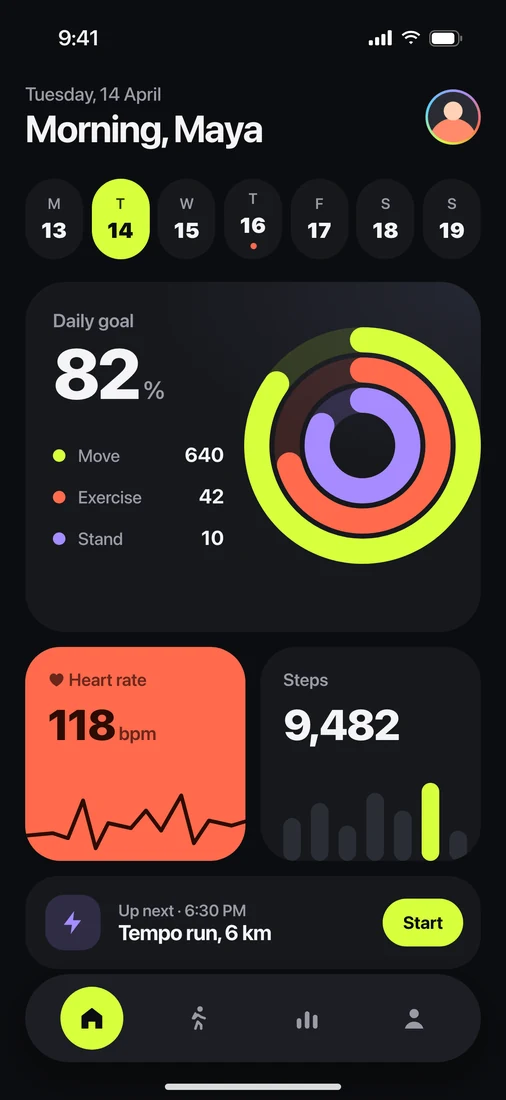
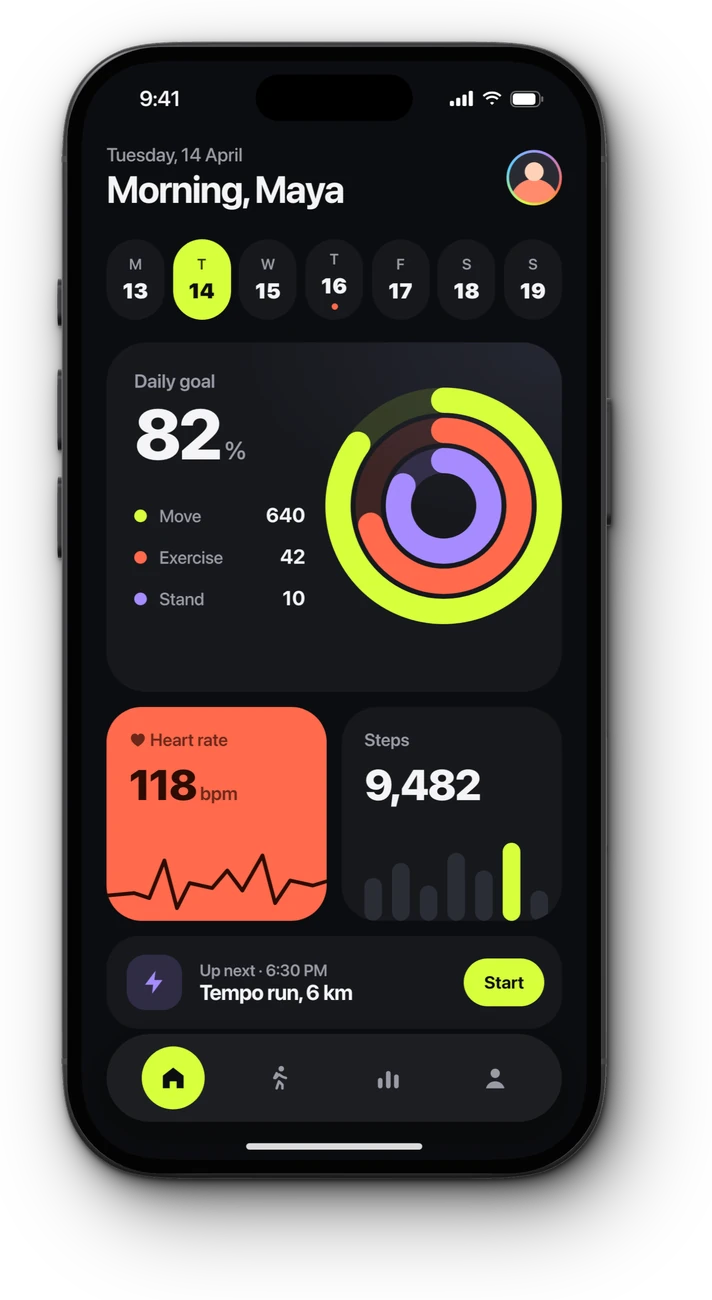
1206 × 2622→iPhone 18 Pro
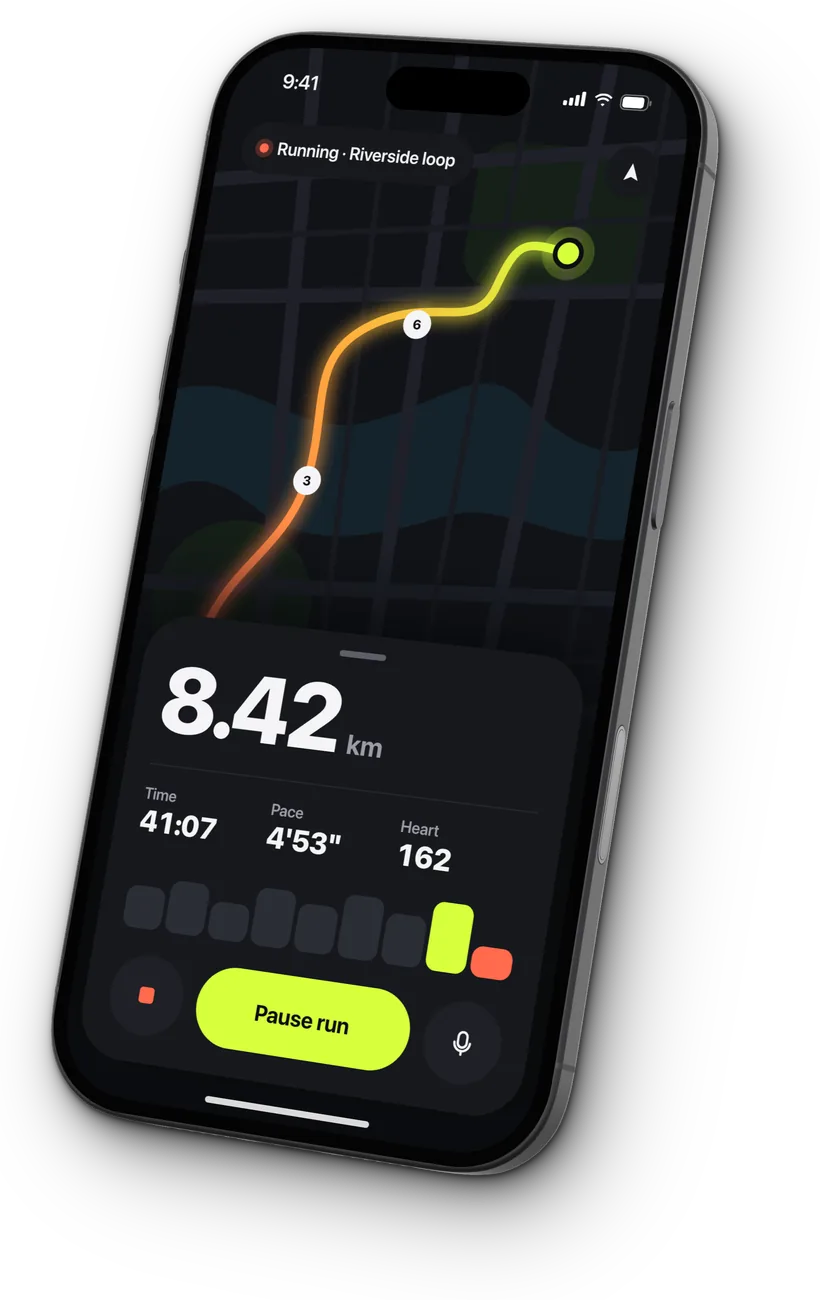
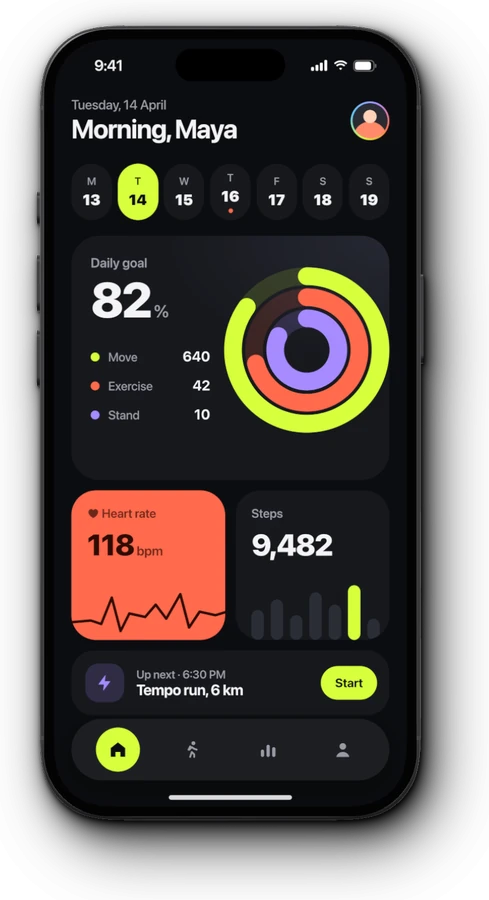
Drop in a screenshot. FeatureFrame finds the device, puts it in a real 3D frame and lays it on a background, ready to post.
Download on the Mac App StoreFree to try. Requires macOS 15 Sequoia or later.
Try it: add or remove screenshots, then pick a canvas and a background.
A plain screenshot gets lost in a feed. A device on a background tells people what they're looking at before they read a word.
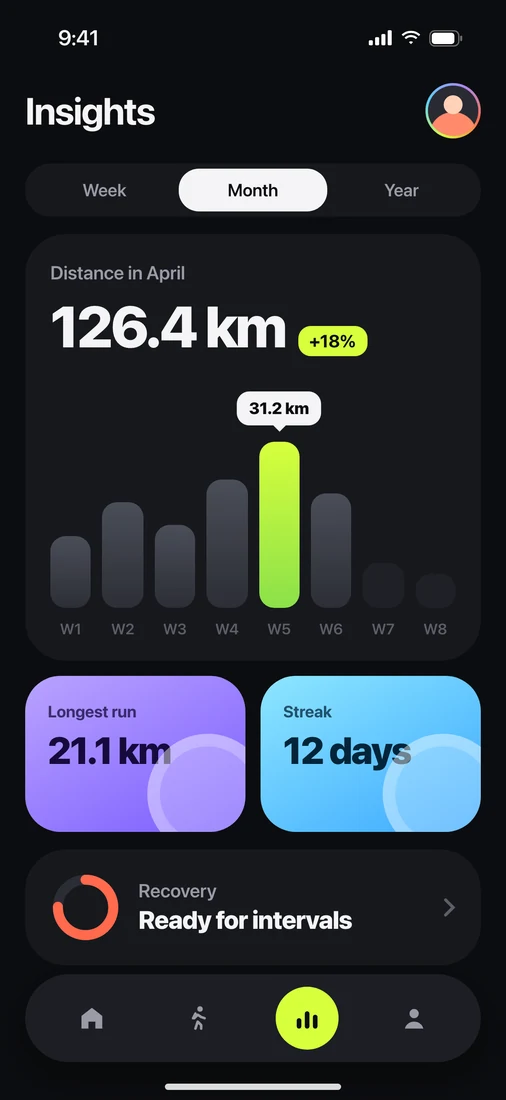
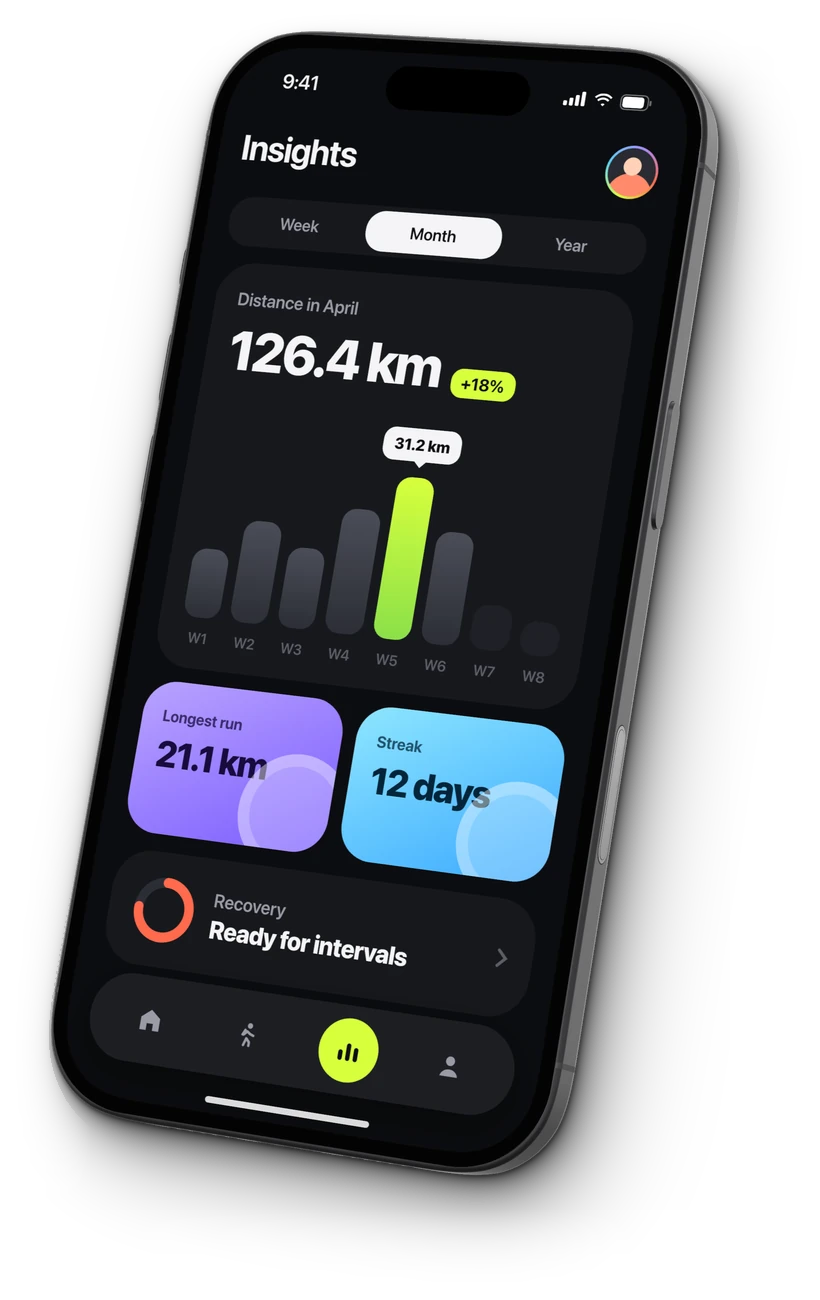
the engagement of text-only posts, for LinkedIn posts with an image: 6.5% against 3.2%, in a study of 45 million posts.
Source: Buffer, 2026A device on colour stands out among text posts and plain screenshots.
People see an app on an iPhone or iPad before they read your caption.
A launch post, not a bug report, and sized for X, LinkedIn, Instagram and your App Store page.
Everything you need to make a screenshot look good, and nothing you don't.
FeatureFrame reads the screenshot's size and picks the iPhone or iPad it came from. Pick another, and it remembers for next time.
Every frame is a 3D model built from the device's real measurements, lit like a studio shot. One click tilts it.
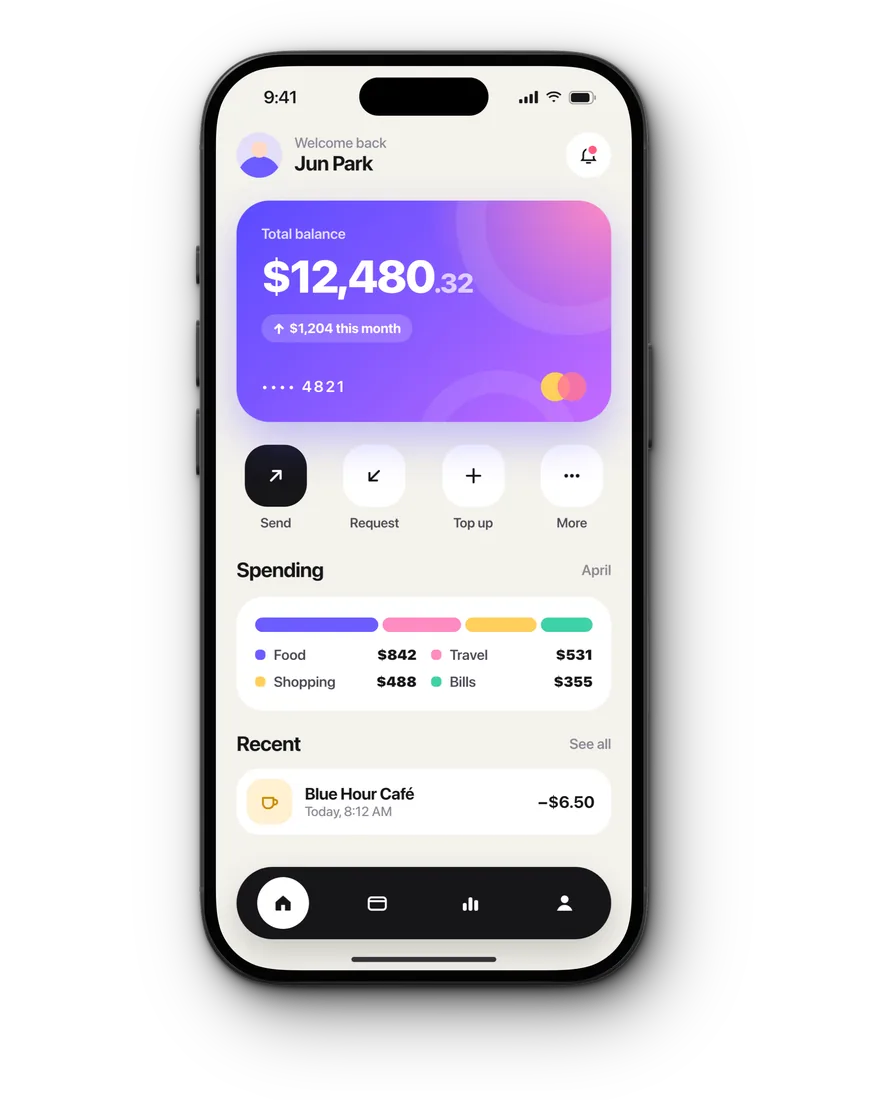
From iPhone 11 Pro to iPhone 18 Pro, in each of its real colours.
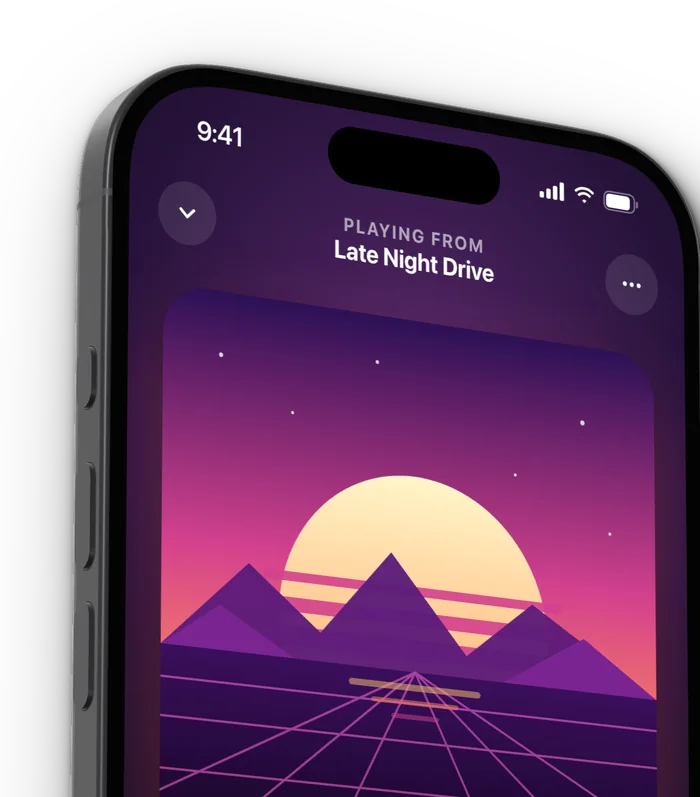
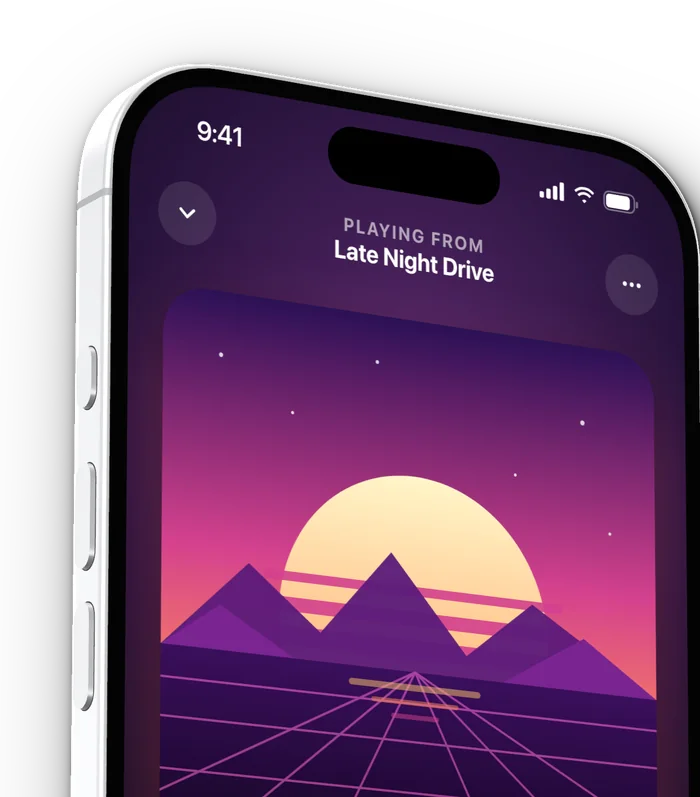
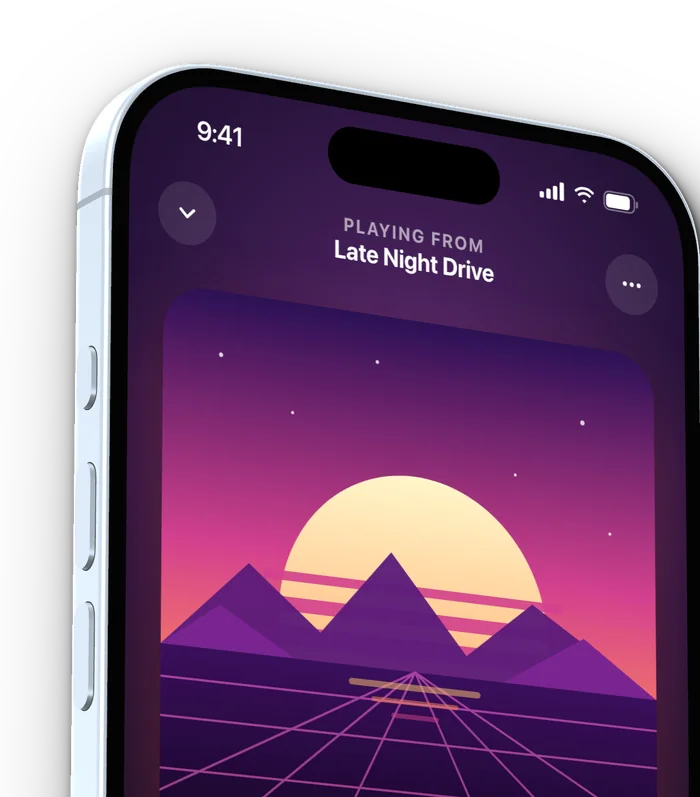
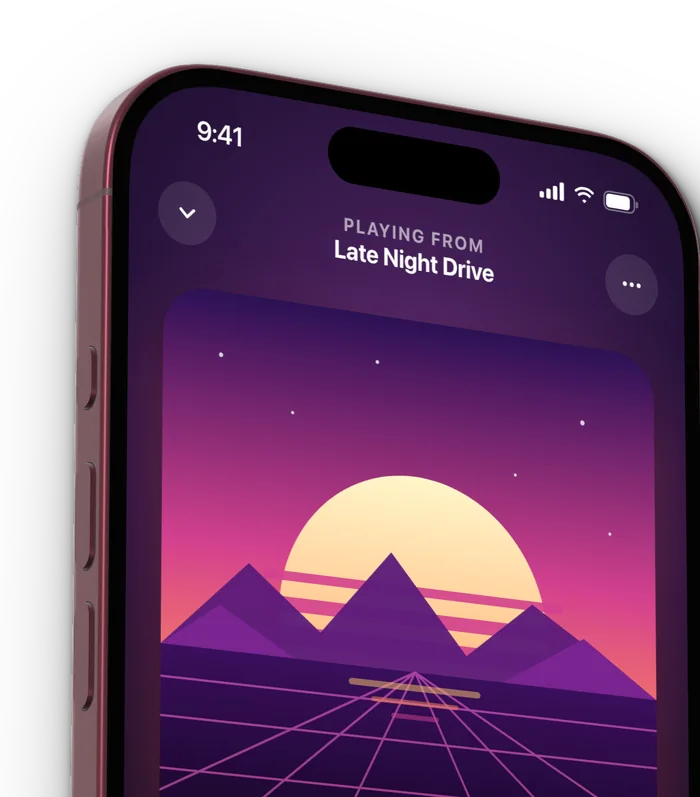
Up to three screenshots on a canvas, in a row, a column, or overlapping.
Solid colours, gradients with up to five stops, macOS wallpapers, or a picture of your own.
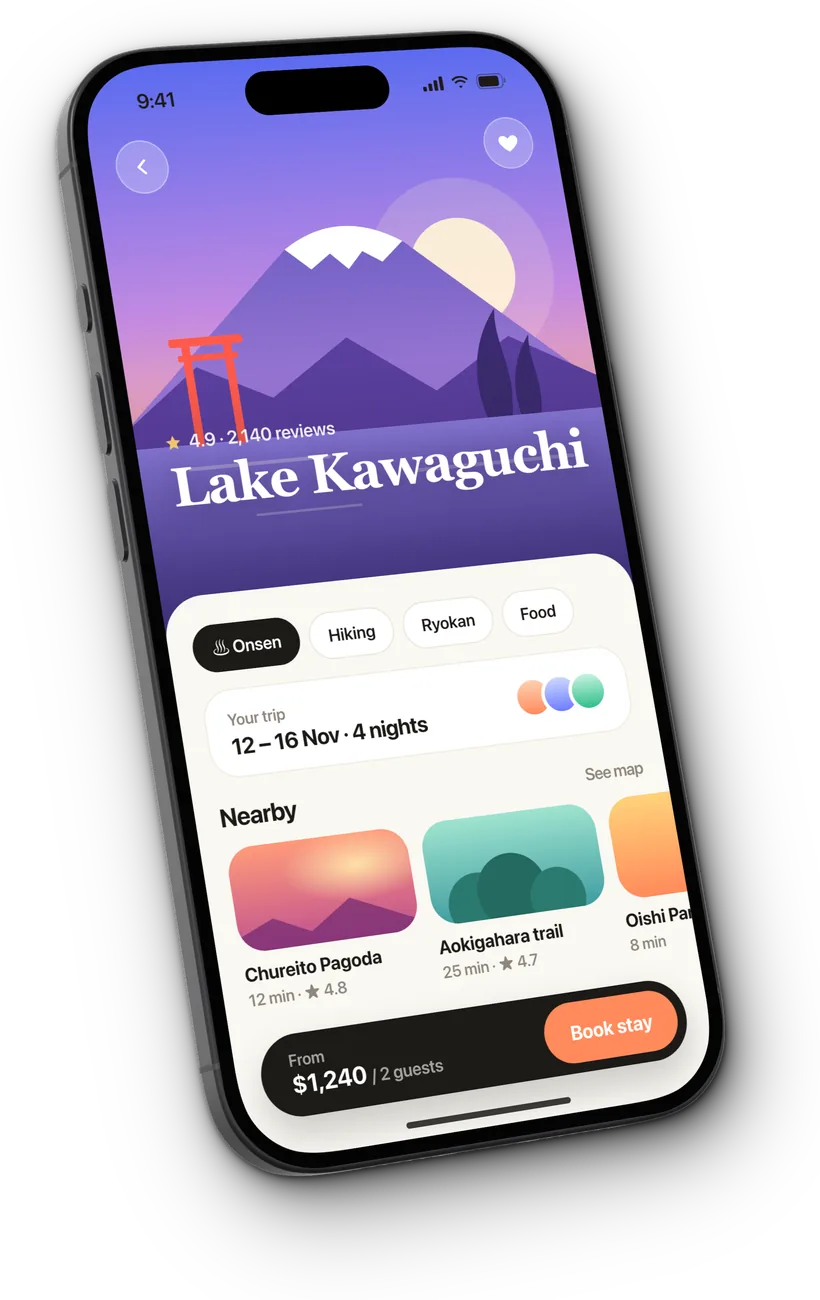
Low, medium or high, lit from any side, and tinted to match the background.
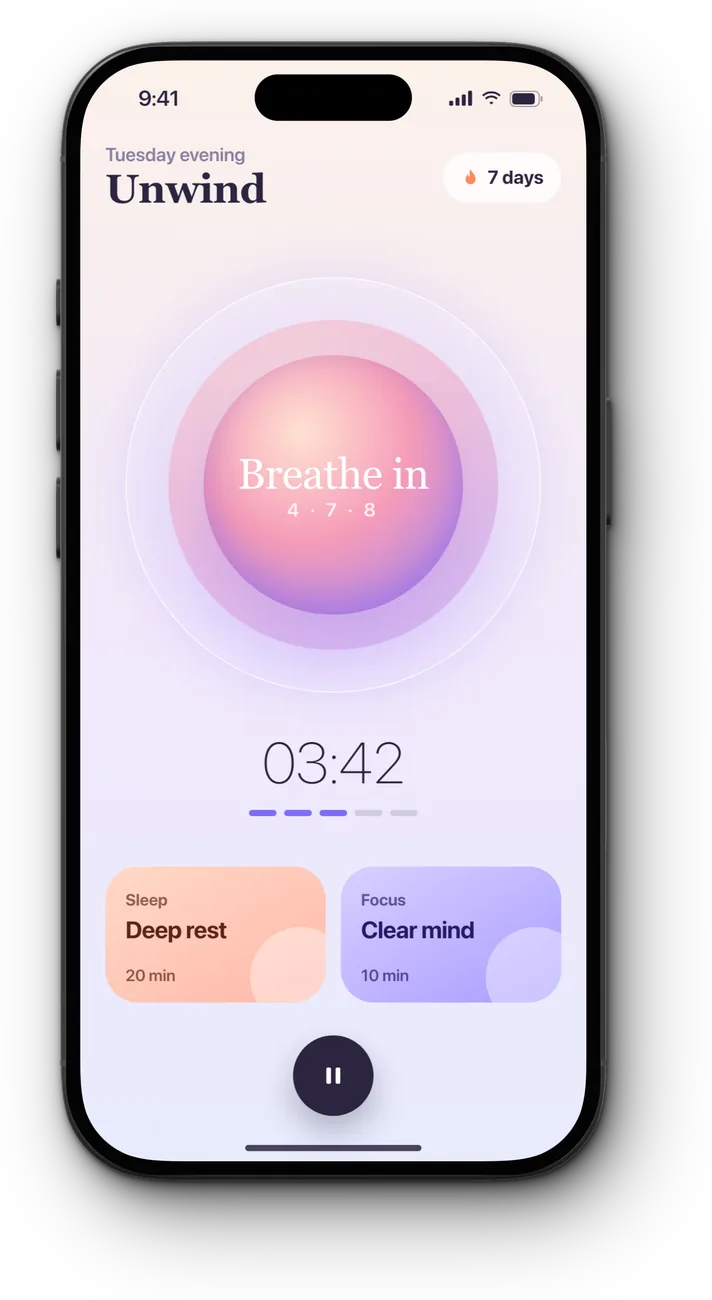
Square, portrait, story, wide, a ratio of your own, or Fit to hug the devices.
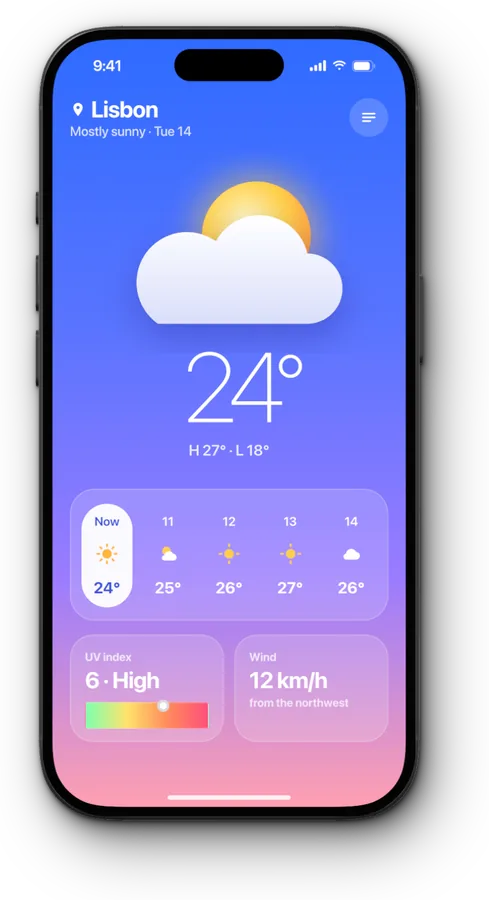
Put your own logo or handle on every image.
 @yourhandle
Up to 4K. Paste it into a post, or drag the image straight into Keynote or Slack.
 Framed.jpg
Paste from the clipboard, drop files on the window, or open them with ⌘O.
The framed image is on your clipboard, ready to paste into a post.
Every change can be undone, so trying a look costs nothing.
Each window is its own canvas. Mac window captures keep their corners.
Everything you need to frame a screenshot.
Renews each year. Cancel any time.
Pay once, and Pro is yours for good. No subscription.
Prices in US dollars. The App Store shows your local price.
iPhones from iPhone 11 Pro to iPhone 18 Pro Max, including the foldable iPhone Duo, and five iPads: iPad Pro and iPad Air in both sizes, and iPad mini. There are generic phone and tablet frames for other sizes, clay frames for any screenshot, and a plain frame for Mac screenshots.
No. FeatureFrame runs on your Mac and your screenshots never leave it.
They unlock the same Pro. Yearly renews each year until you cancel; Lifetime is one payment, and Pro stays yours.
Open Settings, then General, and choose Restore Purchases.