
iPad Pro 13-inch (M4) mockup
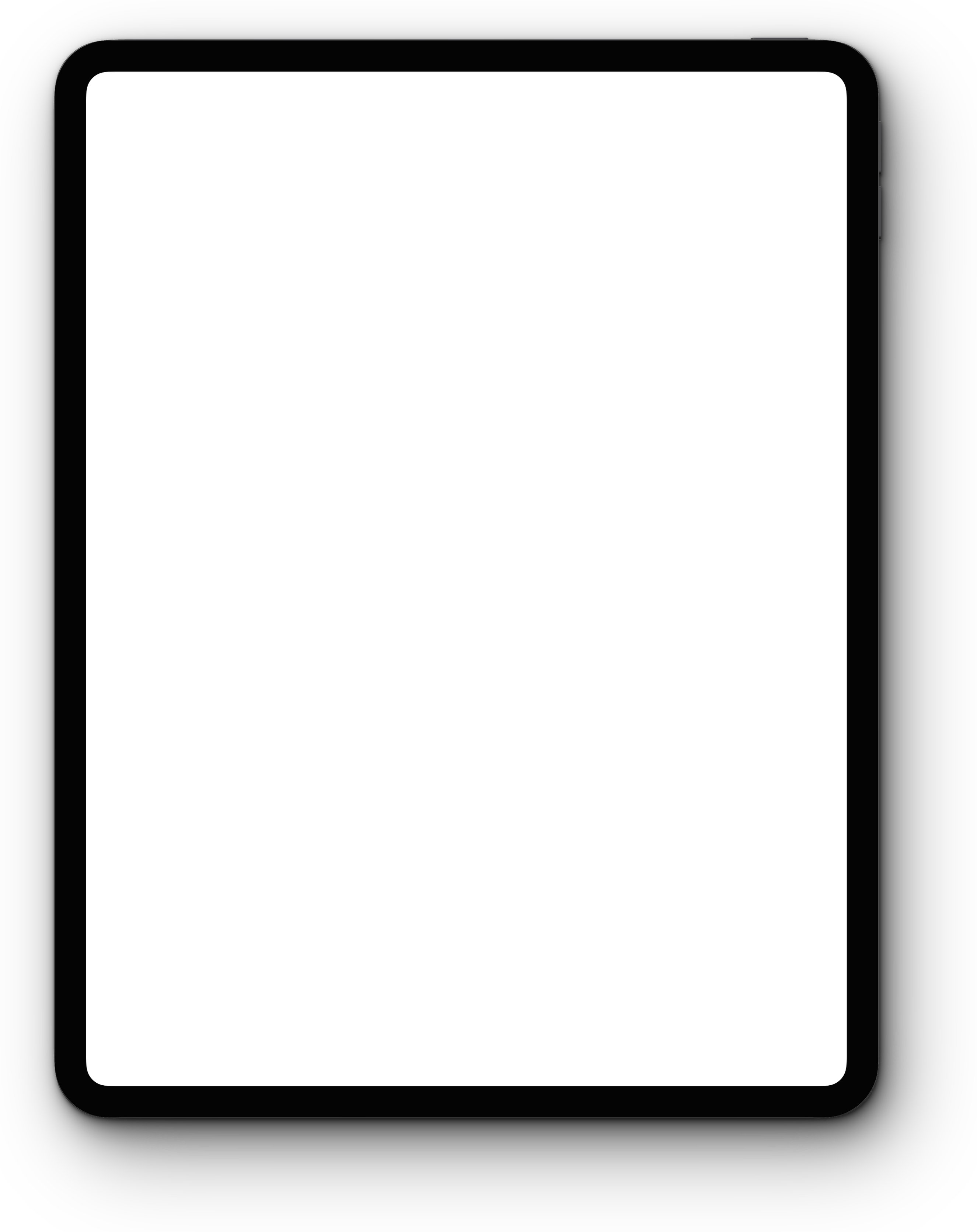
A free iPad Pro 13-inch (M4) frame with a see-through screen, sized so a 2064 × 2752 screenshot fits it pixel for pixel. Rendered from a 3D model built to Apple’s measurements, in Space Black and Silver.
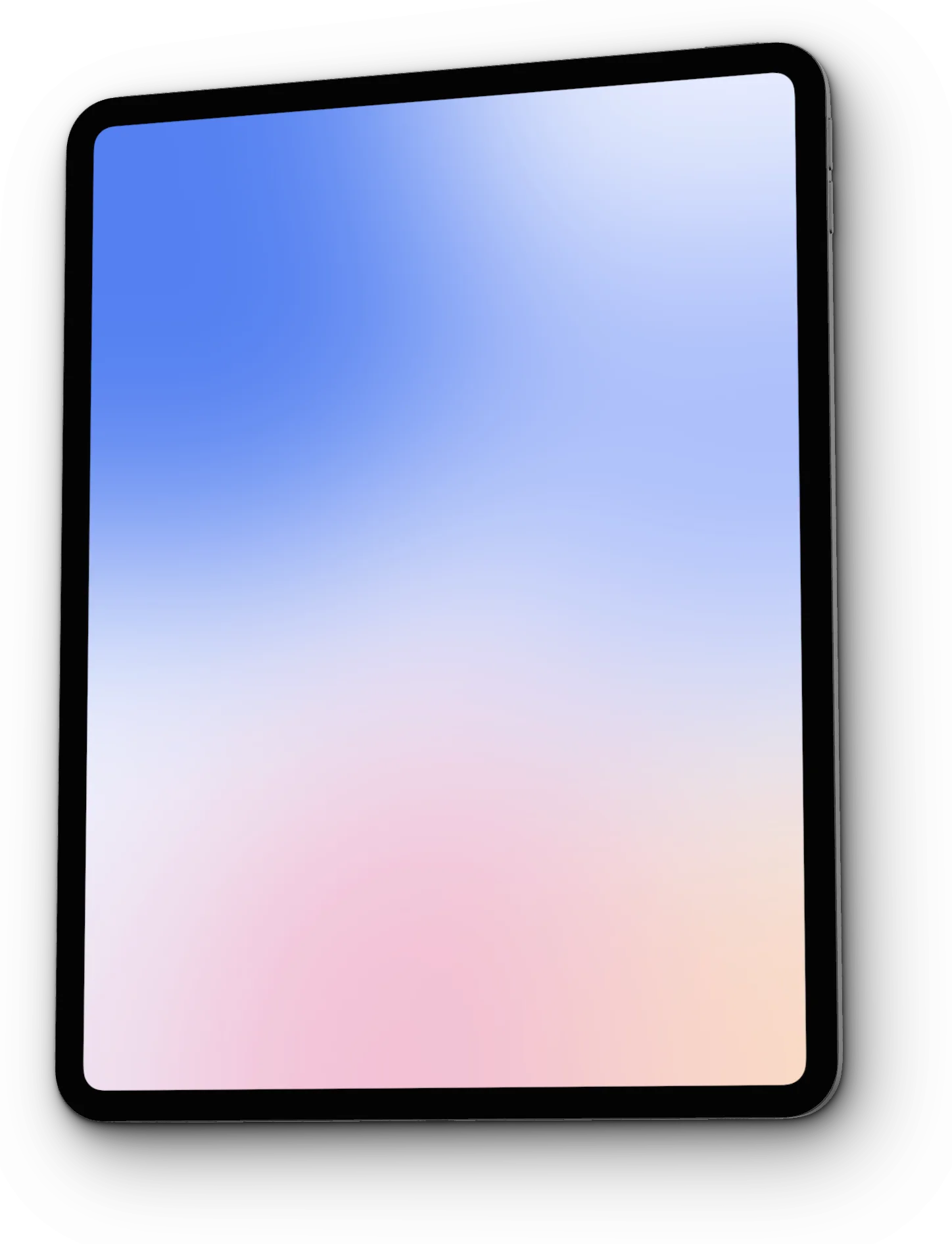
Screenshot size
2064 × 2752 px
1032 × 1376 pt at @2x, portrait
Place your screenshot at
x 234, y 194
Below the frame layer, at 100%
Body
215.5 × 281.6 × 5.1 mm
264 ppi display
How to use the iPad Pro 13-inch (M4) frame
- Download the PNG above and open it in Figma, Sketch, Photoshop, Pixelmator Pro or Keynote.
- Add your 2064 × 2752 screenshot on a layer below the frame, at x 234, y 194. It fills the screen exactly; the rounded corners come from the frame.
- Export as PNG to keep the transparent background and the soft shadow.
- Screenshots from the Simulator or the device itself are this size already. Take one with the side button and volume up, or ⌘S in the Simulator.
- Not sure which device made a screenshot? See the App Store screenshot sizes guide.
Skip the layers
Drop the screenshot into FeatureFrame instead. It reads the size, picks the iPad Pro 13-inch (M4), and frames it in 3D: tilt it to any angle, pick the color, add a background and a shadow, then copy or export up to 4K. Real device frames come with FeatureFrame Pro; Clay frames are free.
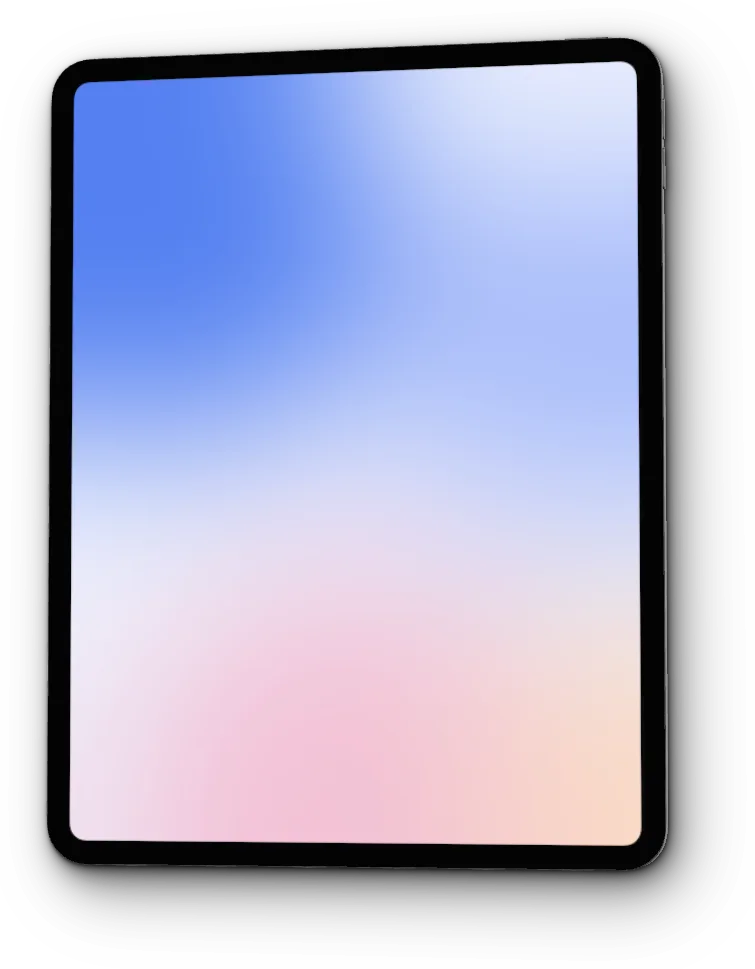
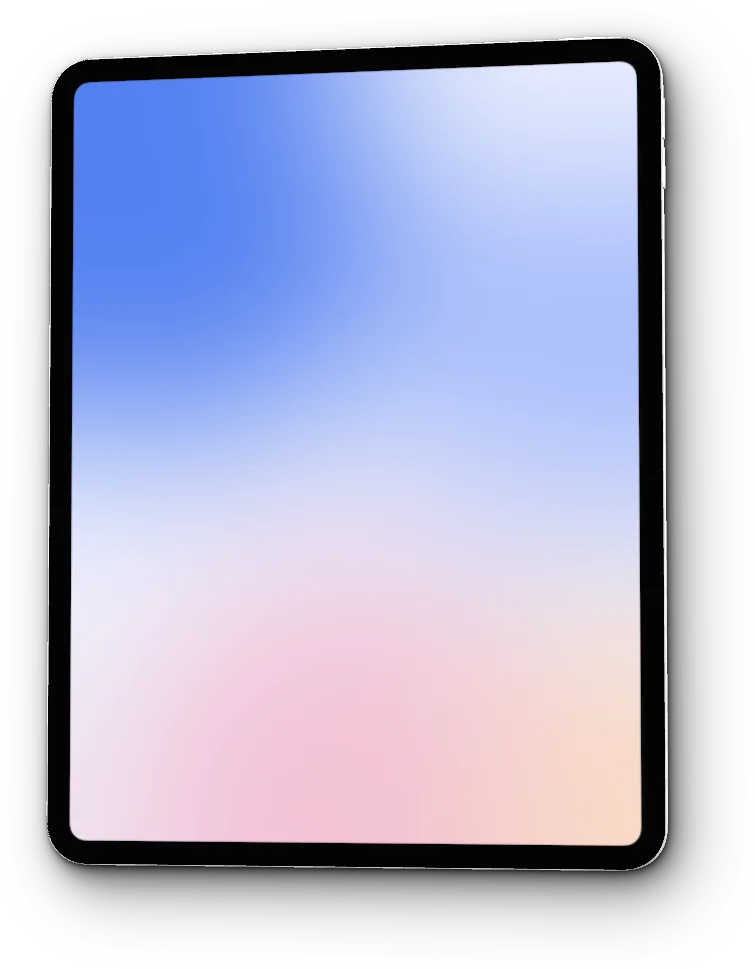
iPad Pro 13-inch (M4) colors
More iPad frames
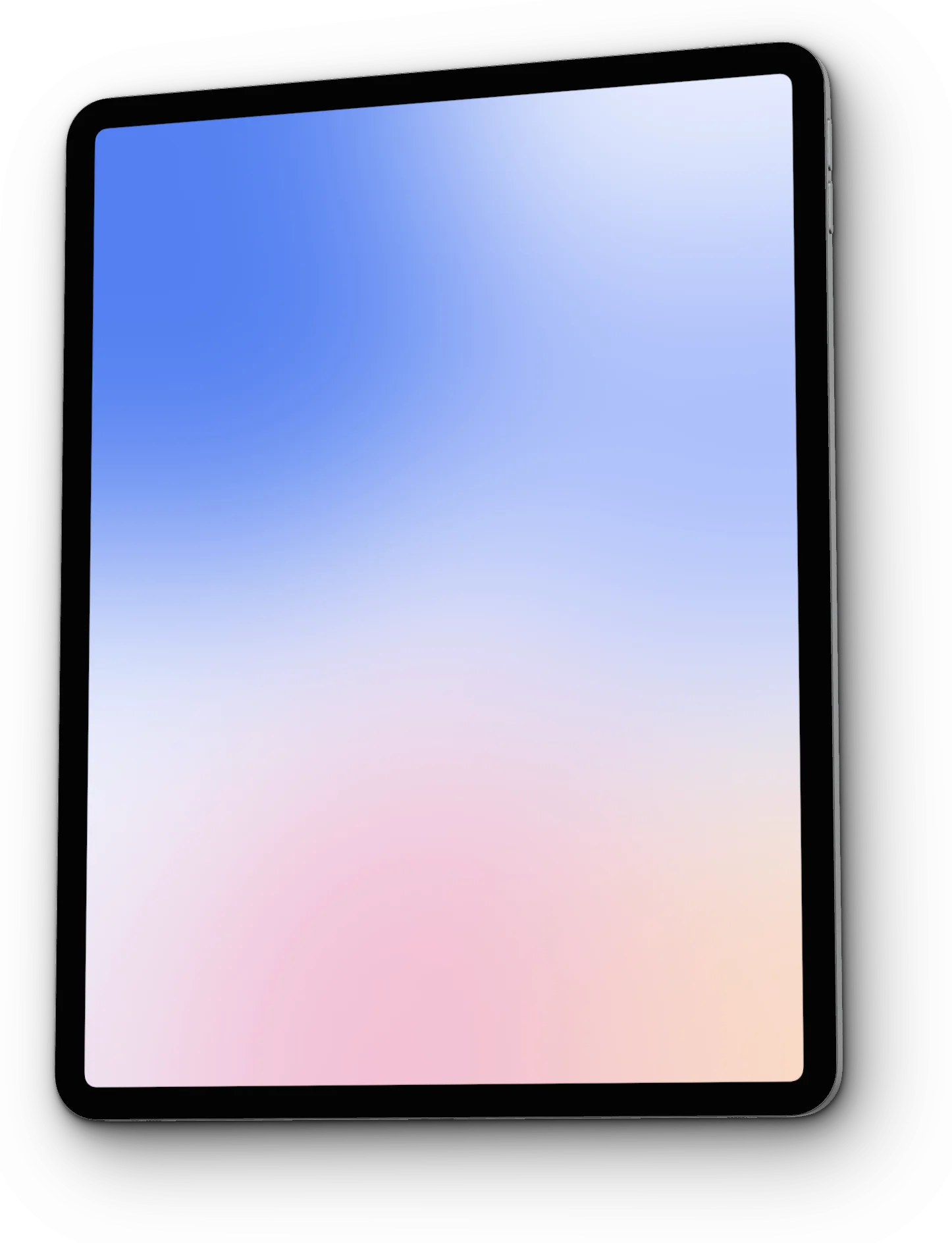
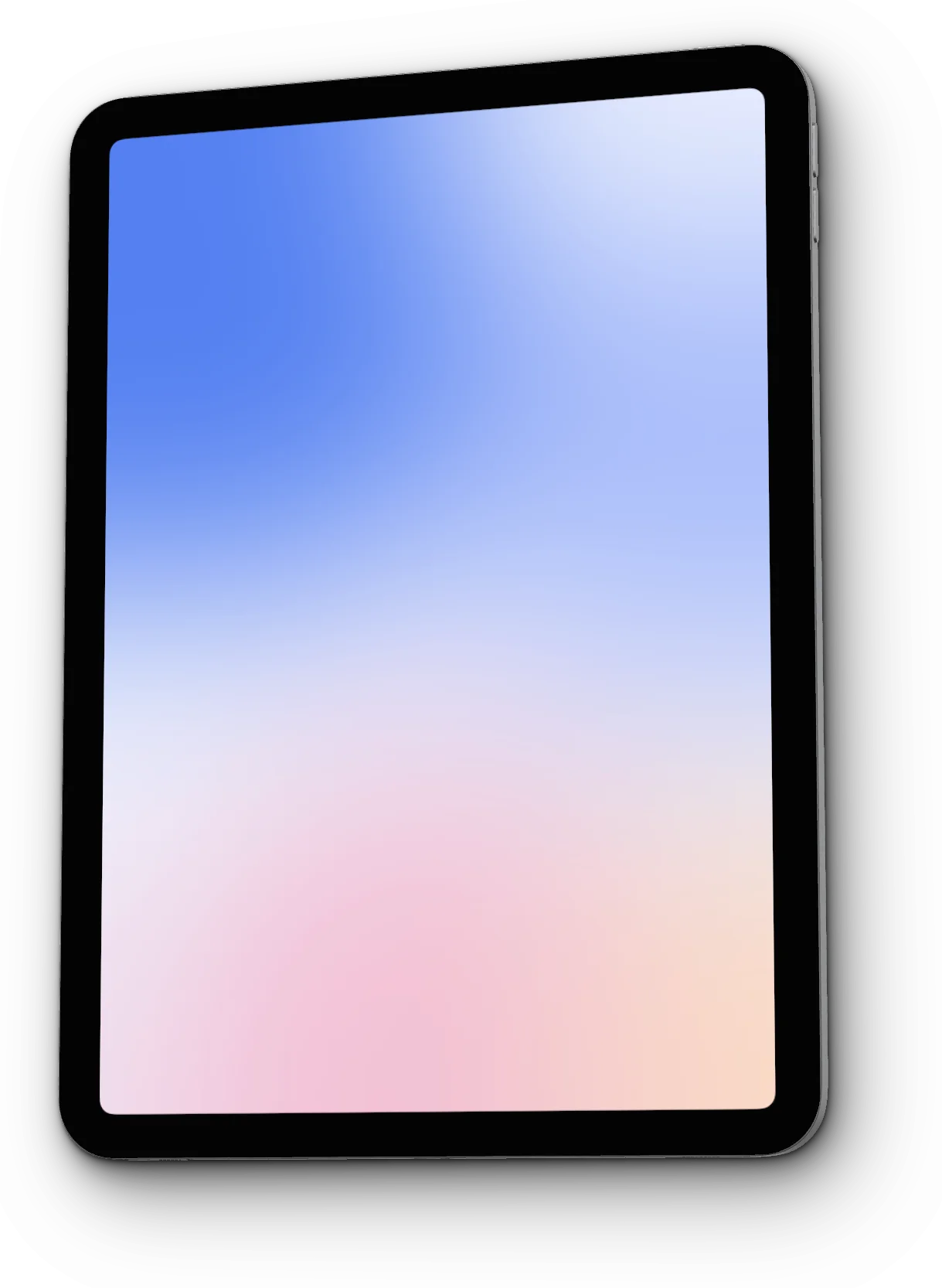
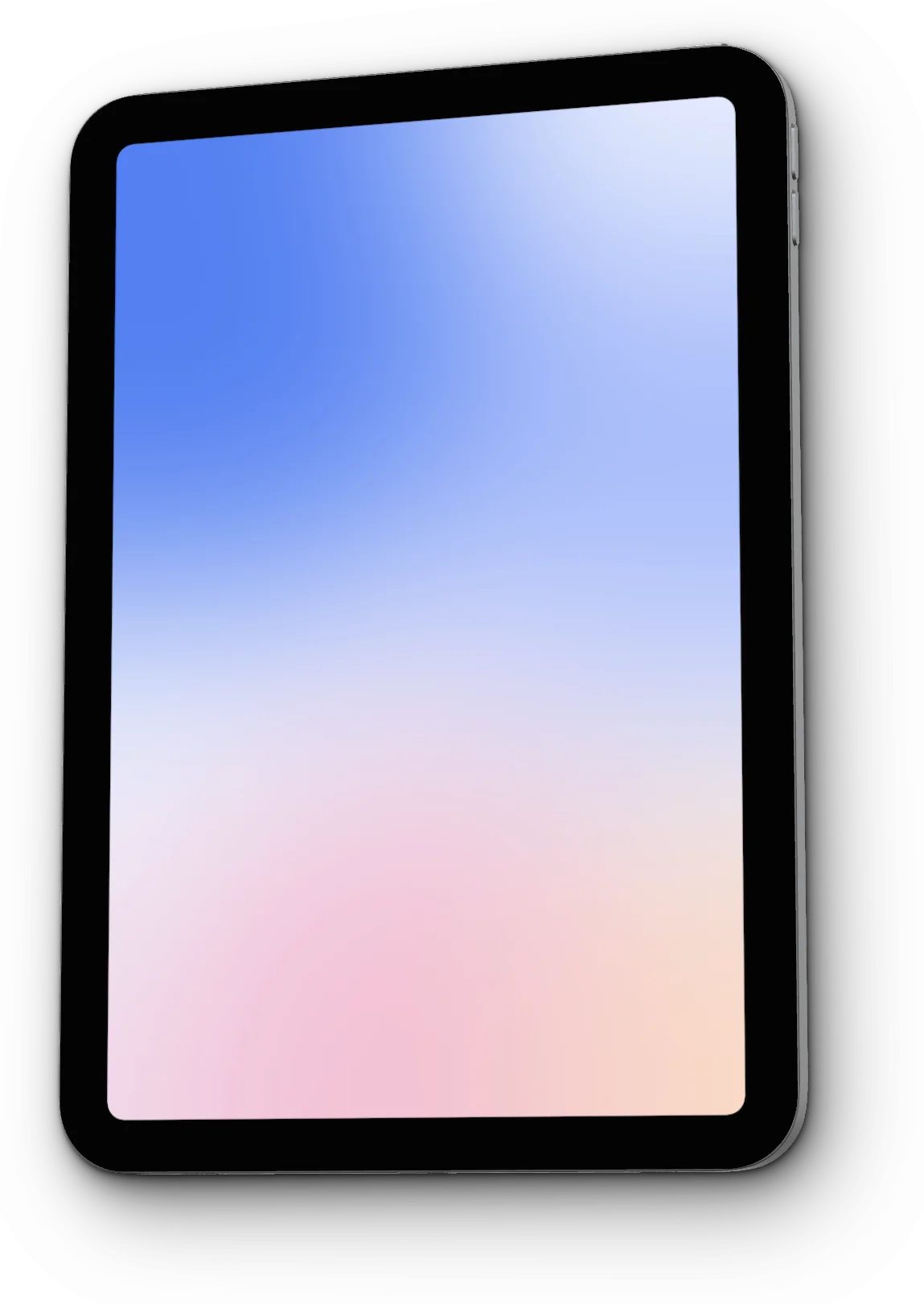
Free for personal and commercial use. Apple, iPhone and iPad are trademarks of Apple Inc., registered in the U.S. and other countries; FeatureFrame isn’t affiliated with Apple.