iPhone 18 Pro Max mockup
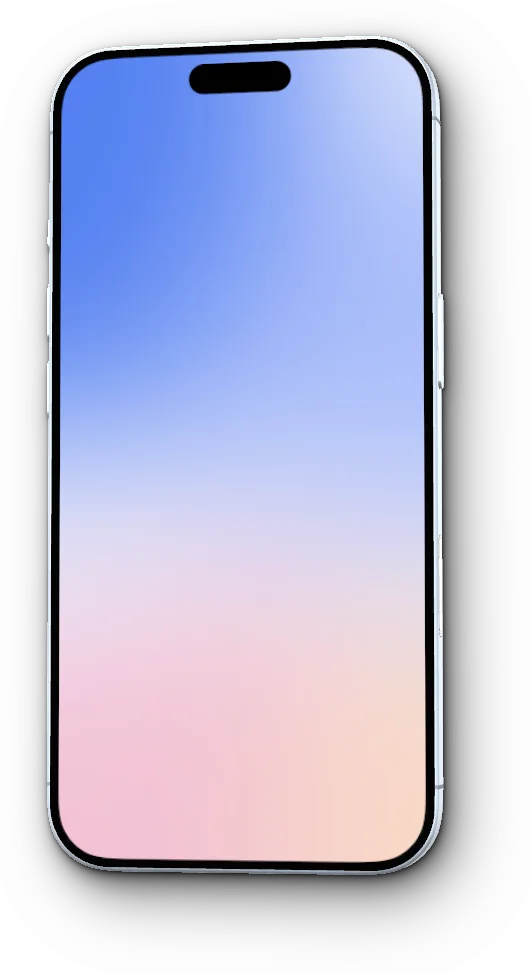
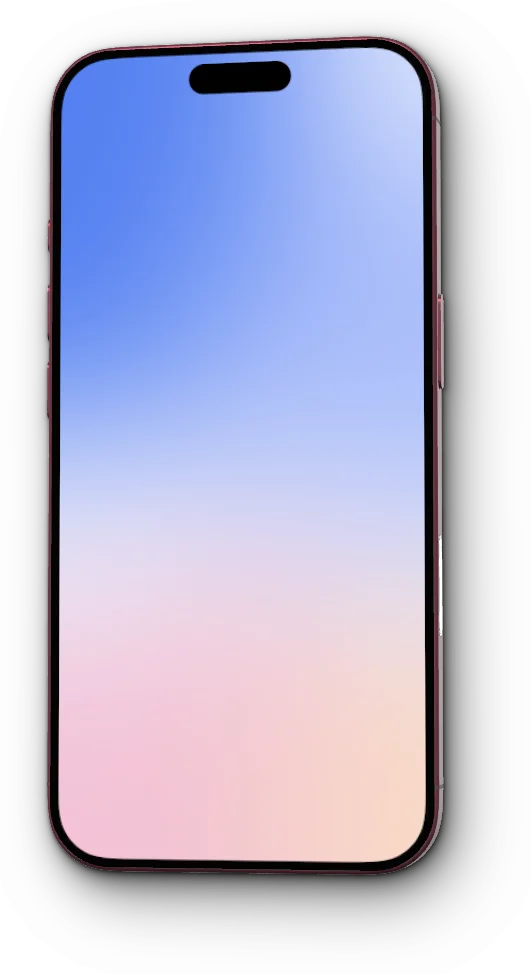
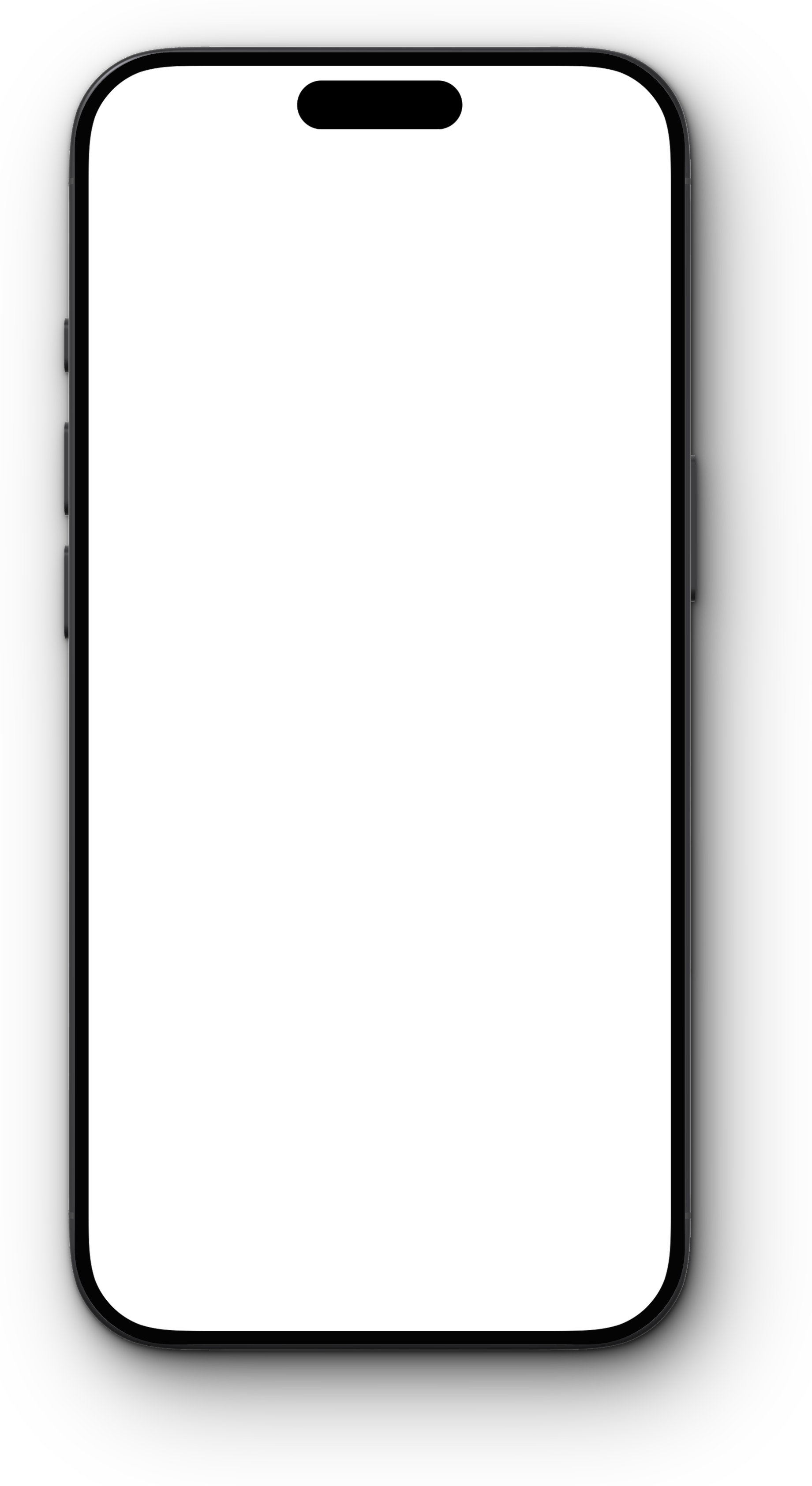
A free iPhone 18 Pro Max frame with a see-through screen, sized so a 1320 × 2868 screenshot fits it pixel for pixel. Rendered from a 3D model built to Apple’s measurements, in Black, Silver, Glacier and Burgundy.
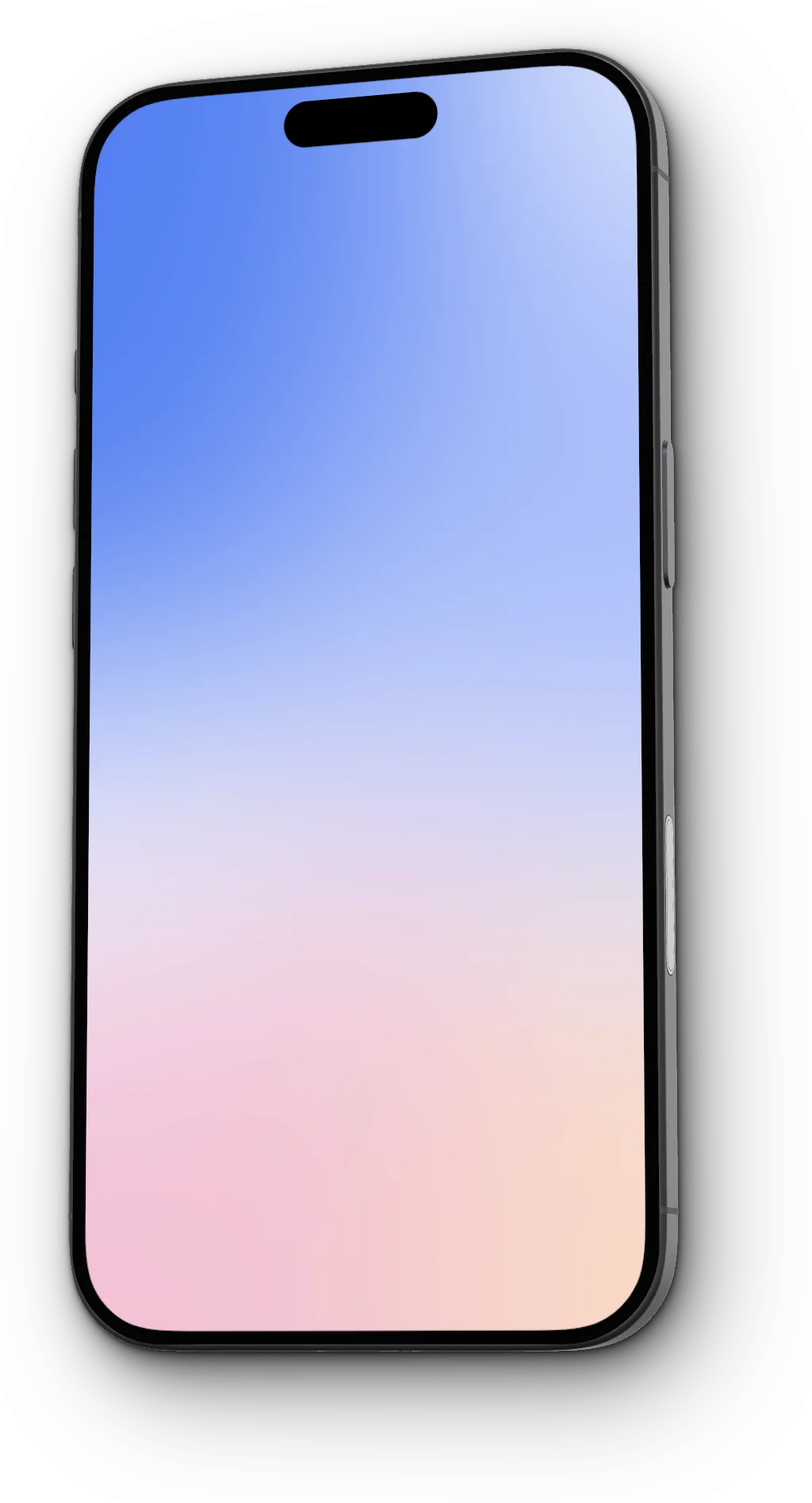
Screenshot size
1320 × 2868 px
440 × 956 pt at @3x, portrait
Place your screenshot at
x 201, y 149
Below the frame layer, at 100%
Body
78 × 163.4 × 8.75 mm
460 ppi display
How to use the iPhone 18 Pro Max frame
- Download the PNG above and open it in Figma, Sketch, Photoshop, Pixelmator Pro or Keynote.
- Add your 1320 × 2868 screenshot on a layer below the frame, at x 201, y 149. It fills the screen exactly; the rounded corners and the Dynamic Island come from the frame.
- Export as PNG to keep the transparent background and the soft shadow.
- Screenshots from the Simulator or the device itself are this size already. Take one with the side button and volume up, or ⌘S in the Simulator.
- Not sure which device made a screenshot? See the App Store screenshot sizes guide.
Skip the layers
Drop the screenshot into FeatureFrame instead. It reads the size, picks the iPhone 18 Pro Max, and frames it in 3D: tilt it to any angle, pick the color, add a background and a shadow, then copy or export up to 4K. Real device frames come with FeatureFrame Pro; Clay frames are free.
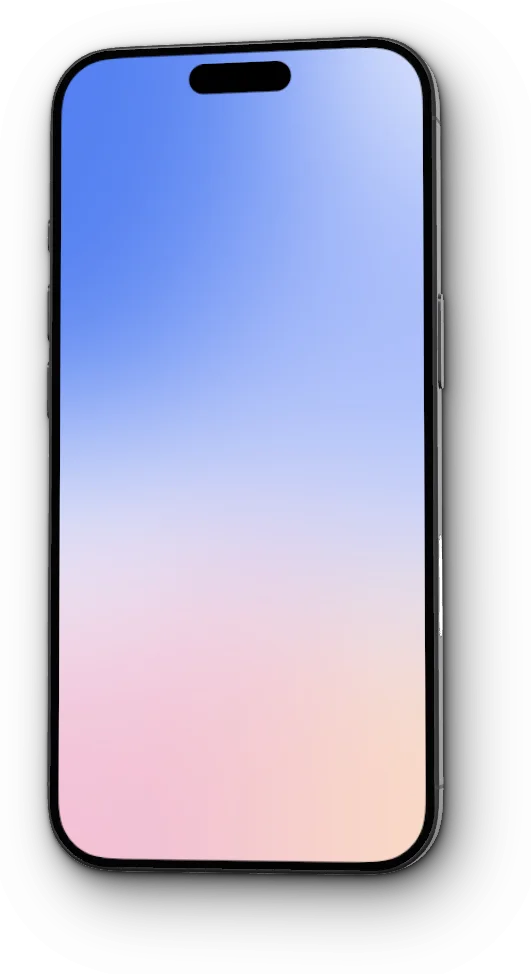
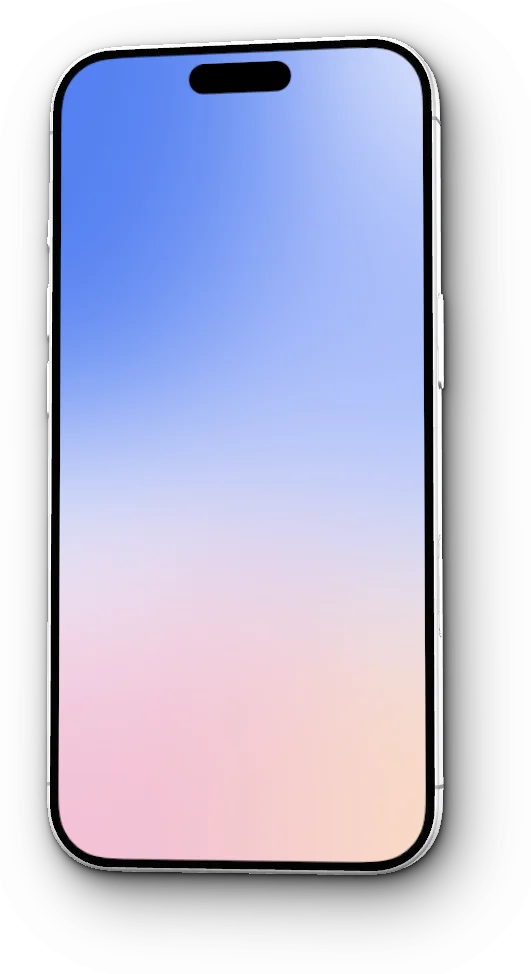
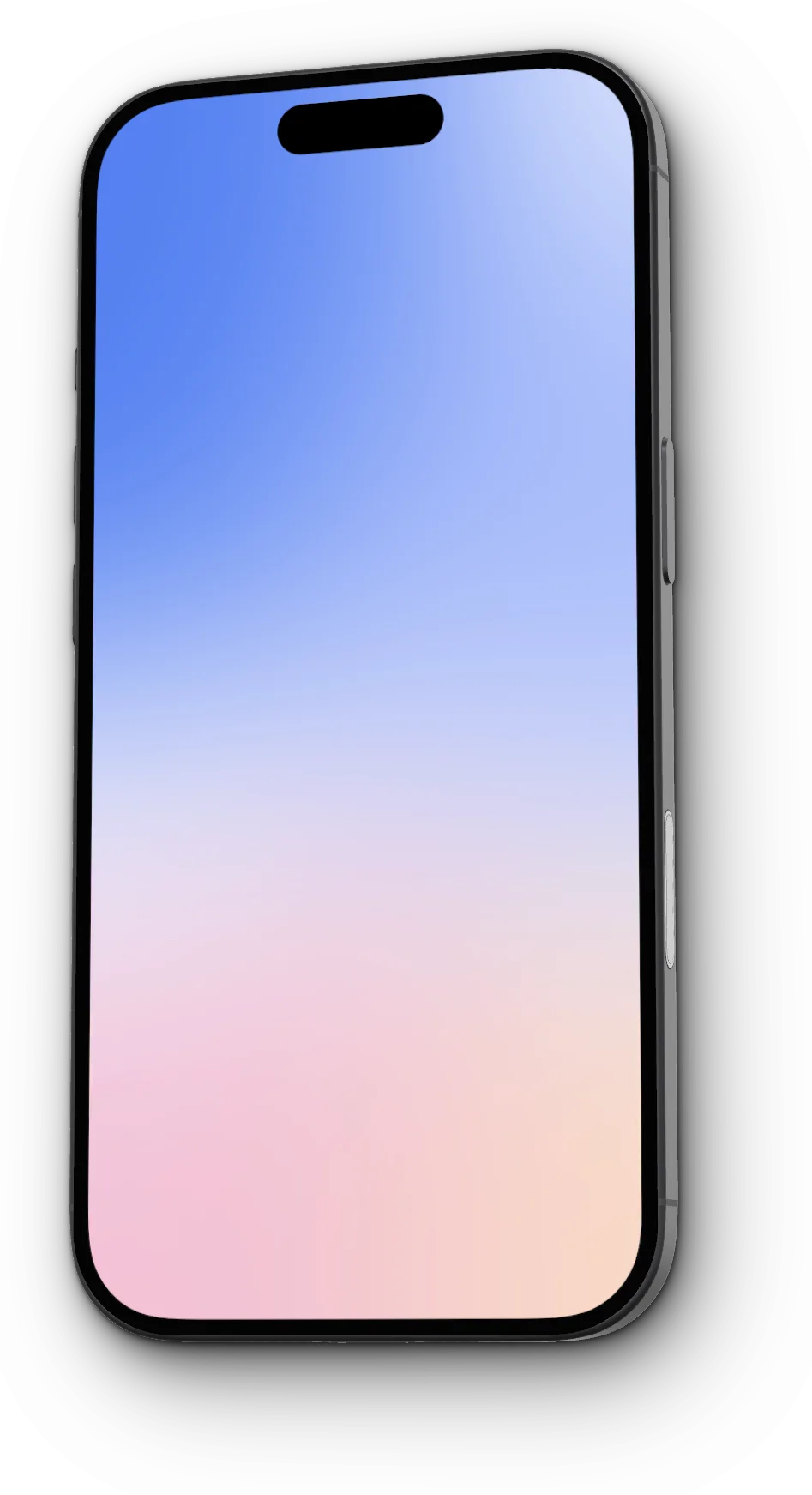
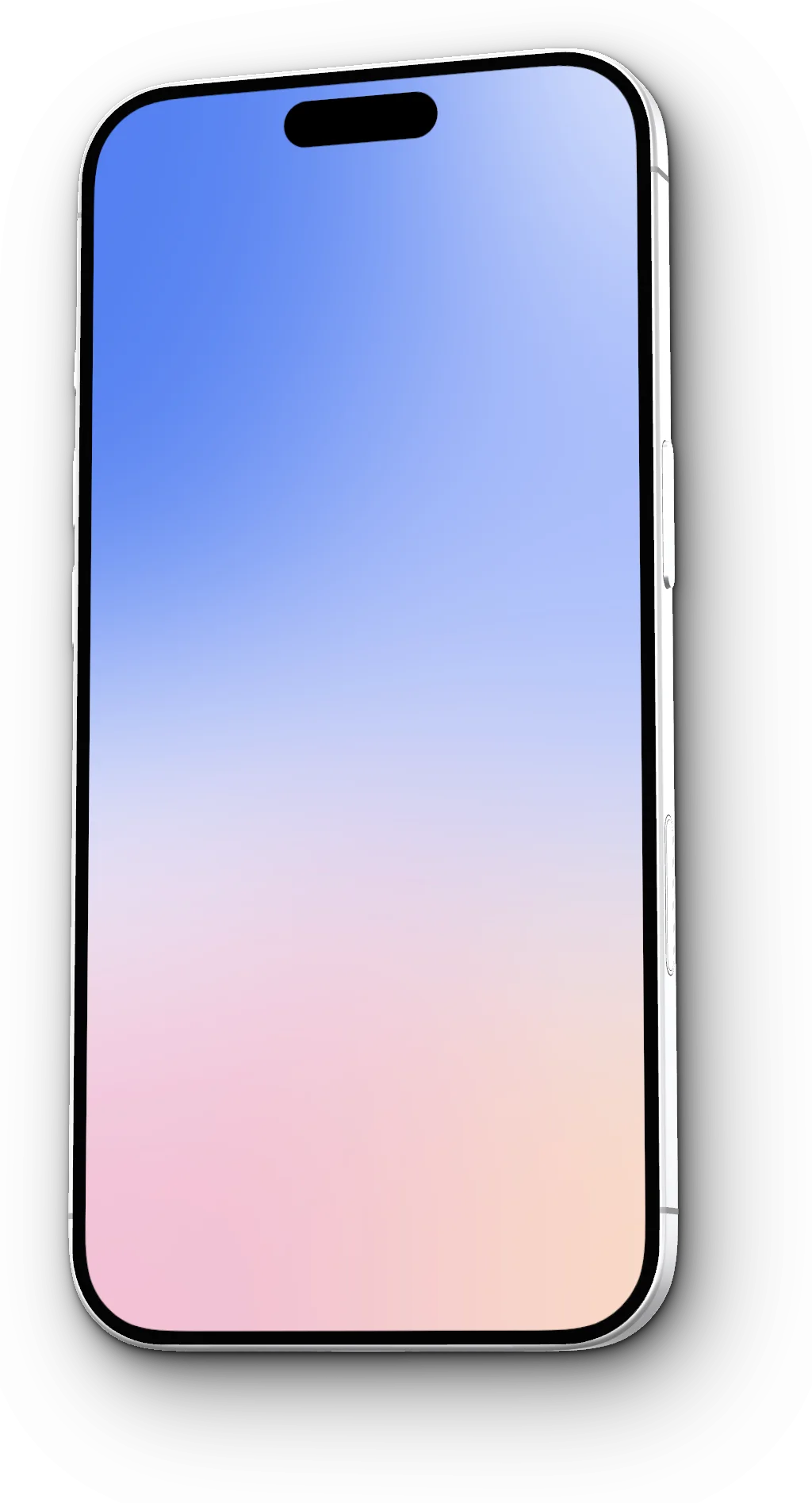
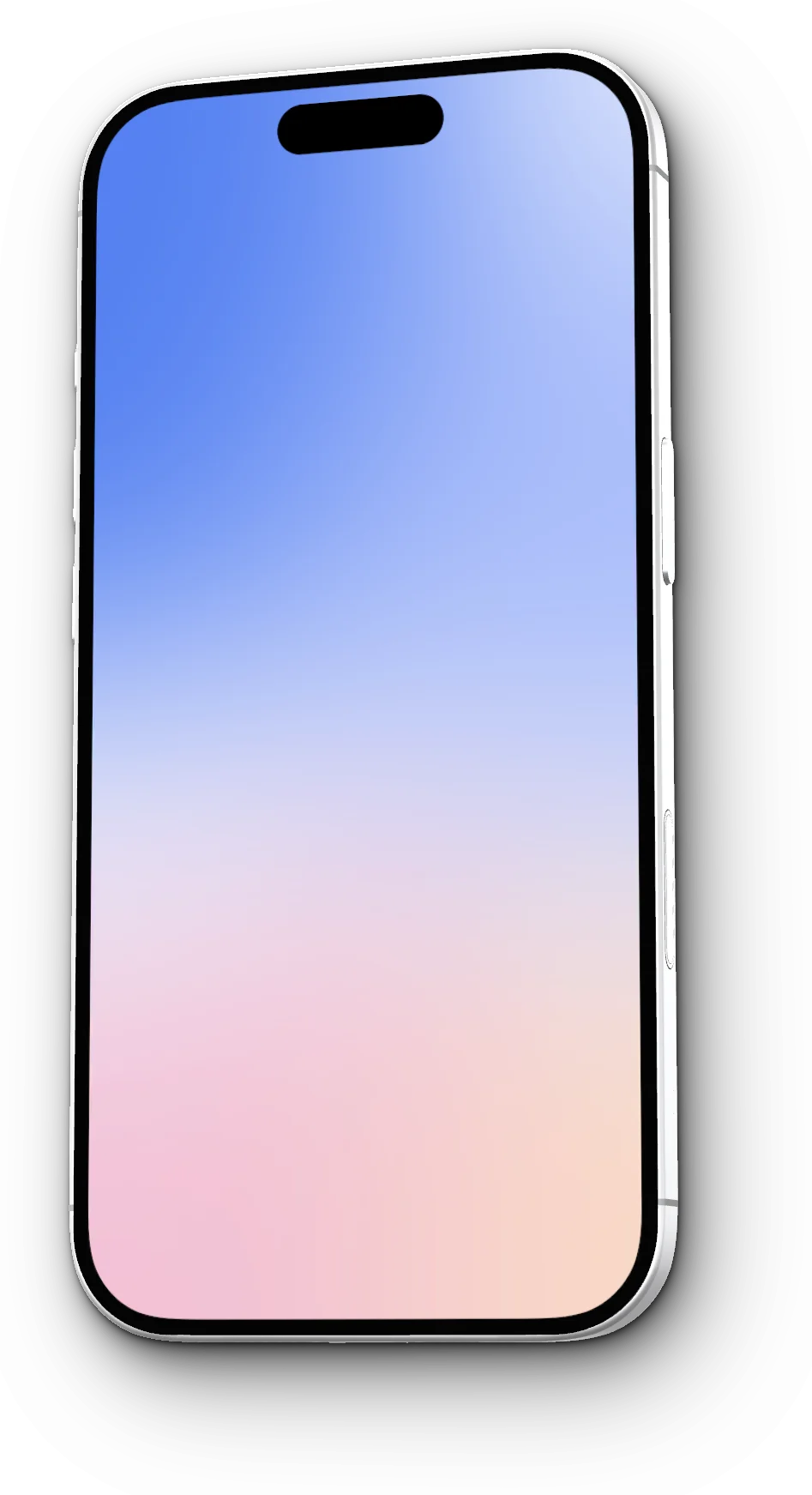
iPhone 18 Pro Max colors
More iPhone frames
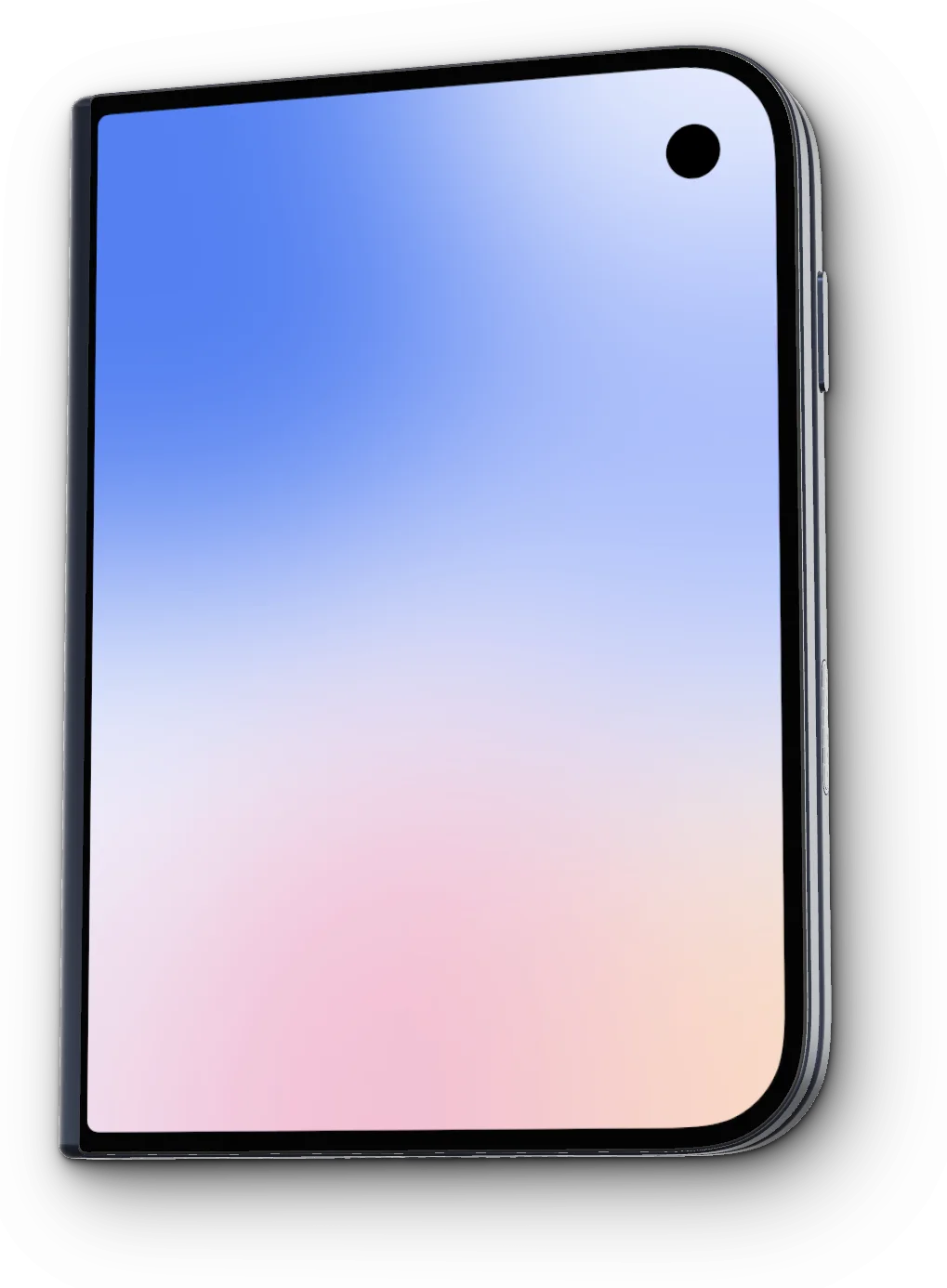
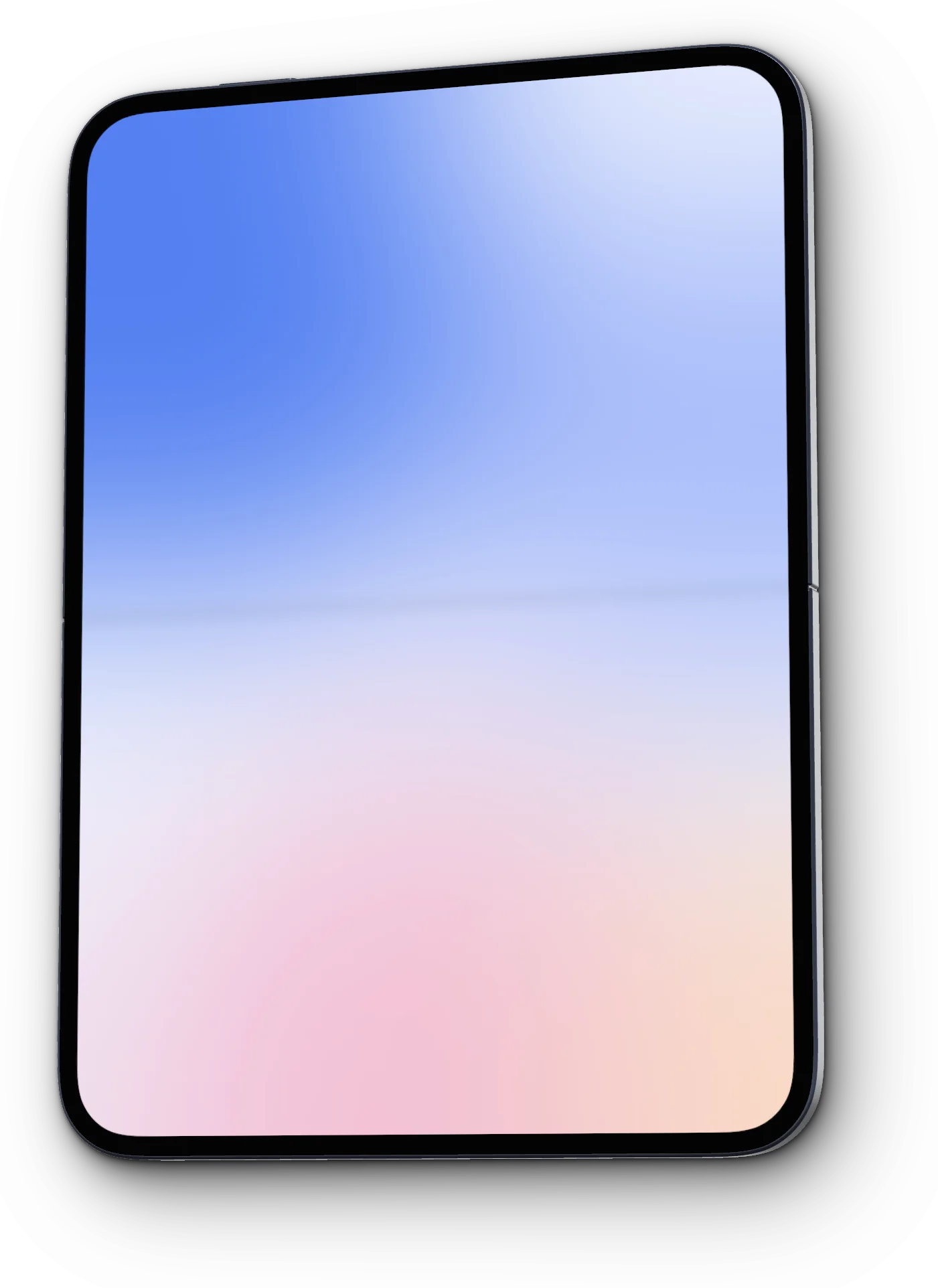
Free for personal and commercial use. Apple, iPhone and iPad are trademarks of Apple Inc., registered in the U.S. and other countries; FeatureFrame isn’t affiliated with Apple.